BookMyShow
FlashPass AIO's BookMyShow bot monitors and books seats for BookMyShow events.
Before you start
- A Proxy Group (optional, falls back to Default Proxy URL).
- A Webhook Group (optional) for Discord notifications on finished tasks.
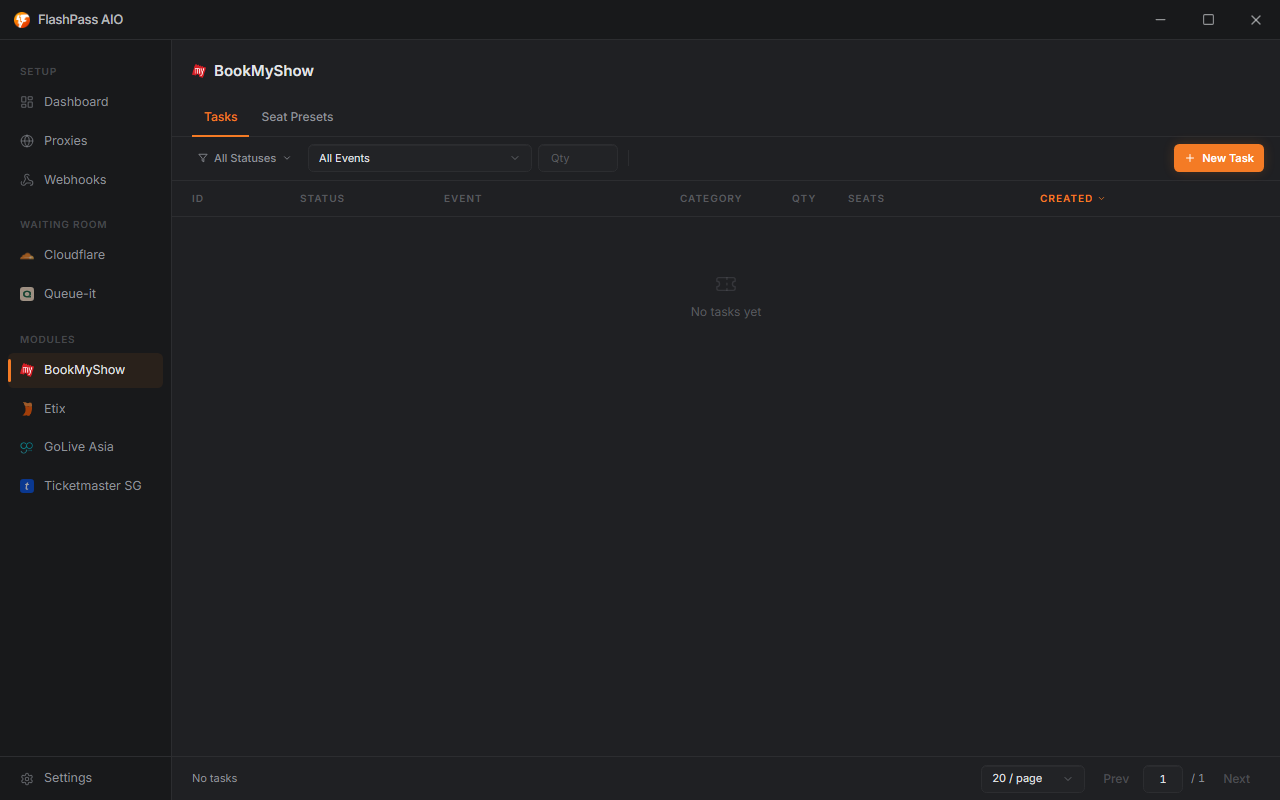
Creating a task
Open BookMyShow from the sidebar → Create Task.
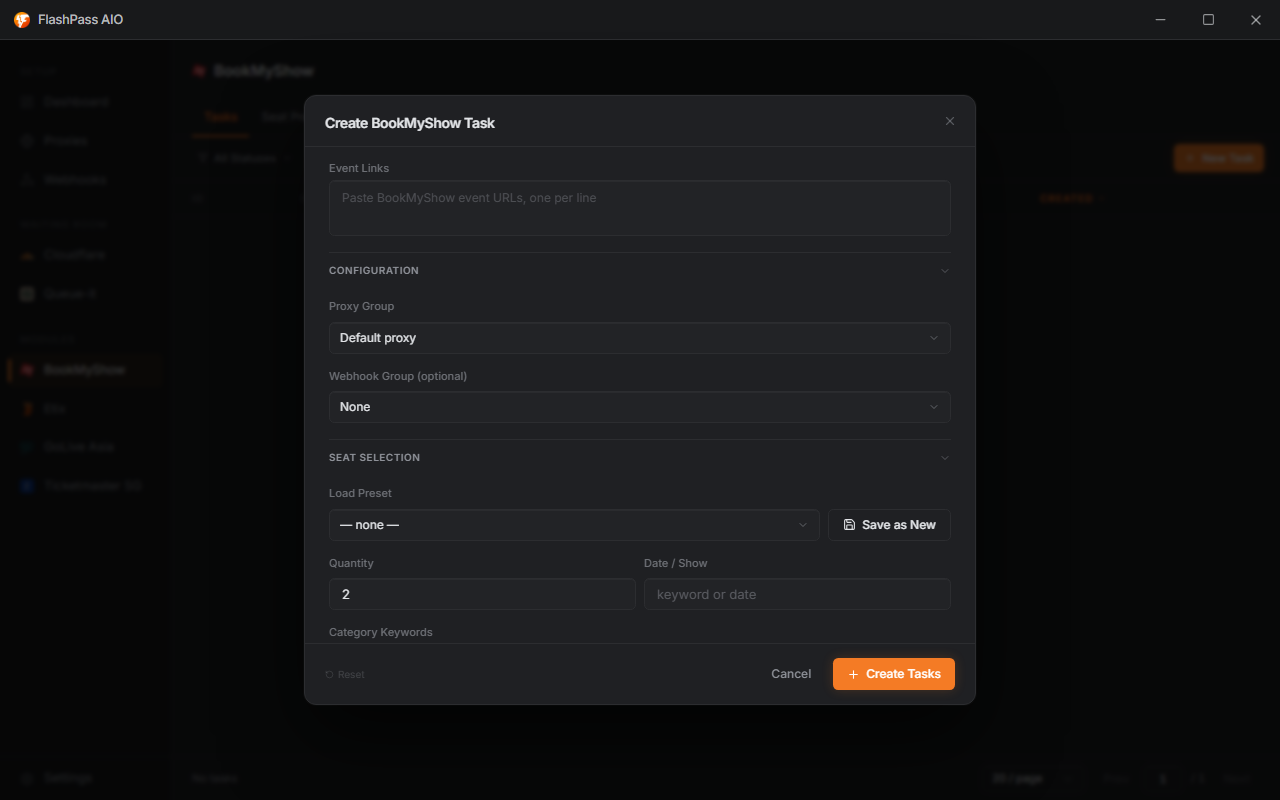
Event Links (required)
Paste BookMyShow event URLs, one per line.
Configuration
| Field | Notes |
|---|---|
| Proxy Group | Falls back to Default Proxy URL if left default. |
| Webhook Group | Optional — Discord notification on finished tasks. |
| Load Preset | Loads a saved field combination; save your current fields as a new named preset or Update the loaded one. |
| Quantity | How many tickets to book. |
| Date / Show | Keyword or date match — selects which showtime to target when an event has multiple. |
| Category Keywords | Tag list — preferred seat categories in order, e.g. type Cat 1, Enter, VIP, Enter. |
| Exclude Keyword | Optional — skip any section matching this keyword. |
| Coupon Code | Optional — applied at checkout if valid. |

Running the task
Click Create — the task joins the list. See Creating a Task for statuses, logs, and filtering.
Common issues
| Symptom | Cause / Fix |
|---|---|
| No showtime found | Date / Show keyword doesn't match how BookMyShow labels it — try a shorter/looser keyword. |
| Wrong category booked | Category Keywords too broad, or Exclude Keyword needed to rule out an unwanted section. |
| Coupon not applied | Code expired/invalid for this event — verify directly on BookMyShow first. |
| Task fails with a Queue-It error | The event put you in a Queue-It waiting room — turn on the BookMyShow toggle under Settings → Captcha → Inline Queue-It Solving so the task solves it instead of failing. |