Etix
FlashPass AIO's Etix bot runs a guest checkout against Etix events — no account login required. It races for a limited-stock zone and holds tickets, ready for you to pay.
Before you start
- A Capsolver API Key in Settings — required to solve the Cloudflare Turnstile widget on the booking page.
- A Proxy Group (optional, falls back to Default Proxy URL).
- A Webhook Group (optional) if you want hold notifications delivered to Discord instead of only watching the task list.
Creating a task
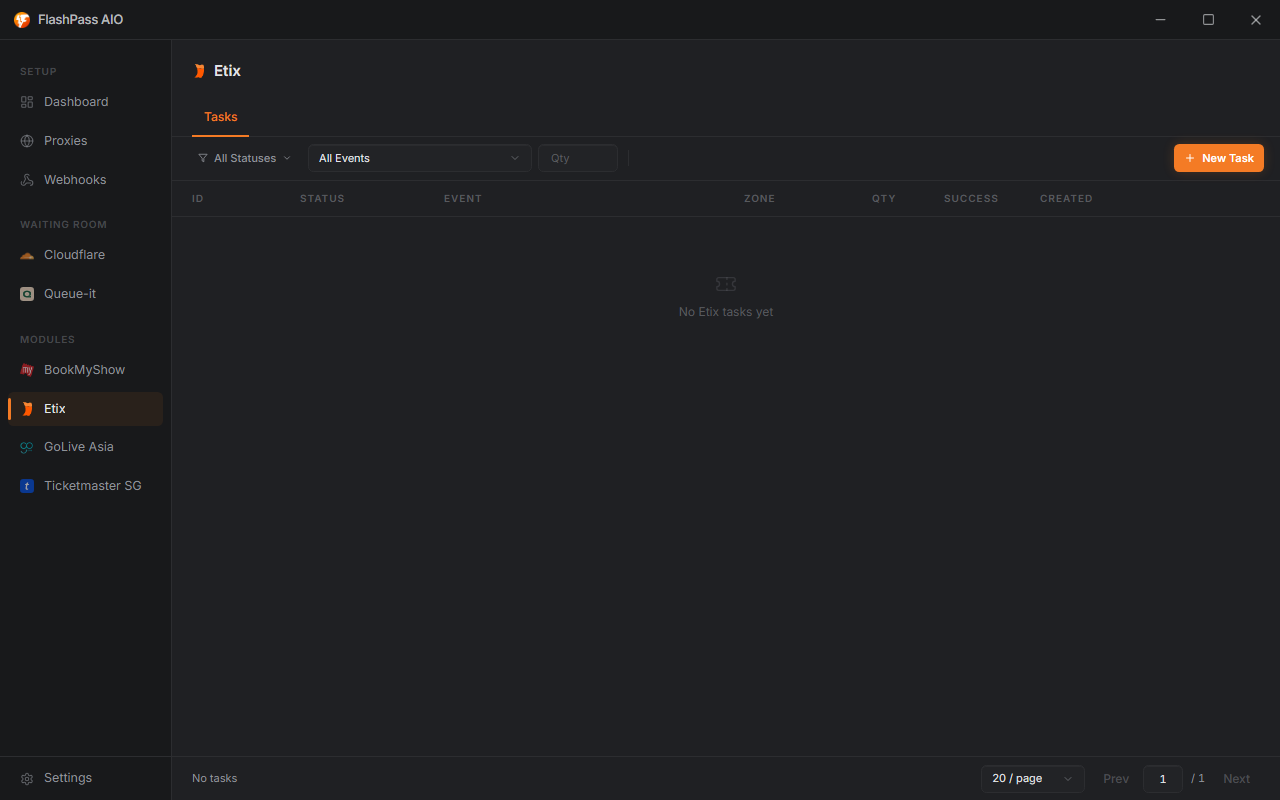
Open Etix from the sidebar → Create Task.
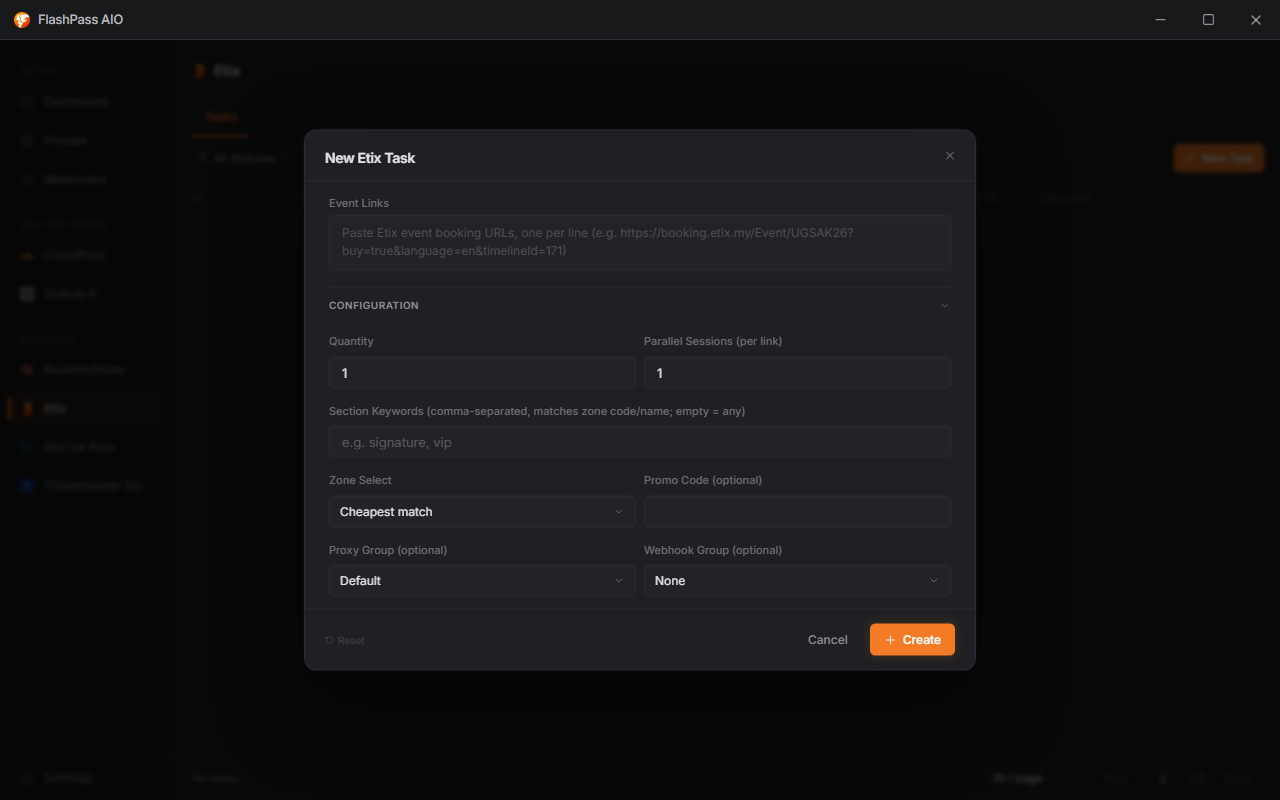
Event Links (required)
Paste one or more Etix event booking links, one per line, e.g. https://booking.etix.my/Event/UGSAK26?buy=true&language=en&timelineId=171. The showtime part of the link (timelineId) is optional — leave it off and FlashPass just picks the event's first available showtime for you.
Configuration
| Field | Options | Notes |
|---|---|---|
| Quantity | 1–99 | How many tickets to hold. |
| Parallel Sessions (per link) | 1–5000 | Runs this many checkout attempts at once on the same link, all racing for tickets. They start a split-second apart so the site doesn't mistake the burst for a bot. The first one to grab a ticket wins, and that's the result you see. |
| Section Keywords | comma-separated, e.g. signature, vip | Matched case-insensitively against each zone's code/name. Leave blank to match any zone. |
| Zone Select | Cheapest match, Last match, Random match | Among keyword-matched, in-stock zones, which one to pick. |
| Promo Code | optional | Applied after the booking session is created but before the hold — a failure here is logged but doesn't fail the task. |
| Proxy Group | any saved group | Falls back to Default Proxy URL if left on default. |
| Webhook Group | any saved group | Delivers a hold notification with the checkout link to a randomly-picked webhook in the group. |

Running the task
Click Create — tasks join the list (statuses & managing). On success, the task result includes a checkout link — open it in a browser (with the FlashPass browser extension installed) to land directly on the held cart's payment step, ready to pay.
Common issues
| Symptom | Cause / Fix |
|---|---|
| All sessions fail with "zone sold out" | The keyword-matched zones ran out of stock during the race — widen Section Keywords or increase Parallel Sessions. |
| Turnstile never solves | Capsolver API Key missing/invalid in Settings → Captcha. |
| Checkout link opens an empty/expired cart | The hold's expiry window passed before you opened the link — Etix holds are time-limited, open the link promptly. |
| Task hits a Queue-It waiting room instead of the booking page | Turn on the Etix toggle under Settings → Captcha → Inline Queue-It Solving so the task solves it inline instead of failing. |