Queue-it
FlashPass AIO's QueueIt bot waits in a Queue-It online waiting room for you, solves any puzzle or captcha it throws up, gets you through the queue, and sends your pass link to Discord.
Before you start
- A Webhook Group is required — this is how FlashPass delivers your queue-pass link, you cannot run a QueueIt task without one.
- Capsolver API Key set in Settings if the target site's queue uses a captcha/Cloudflare challenge.
- A proxy group is optional but recommended for running many sessions at once without rate-limiting.
Creating a task
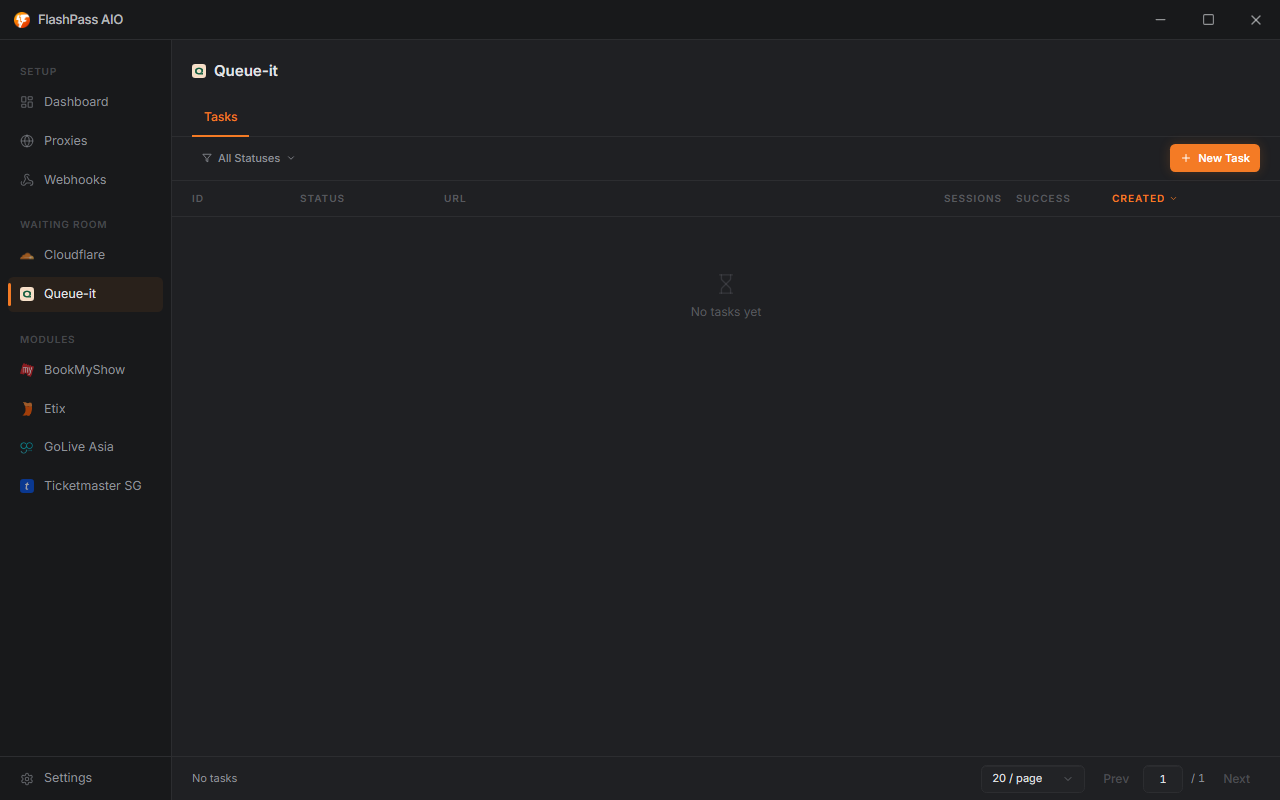
Open QueueIt from the sidebar → New Task.
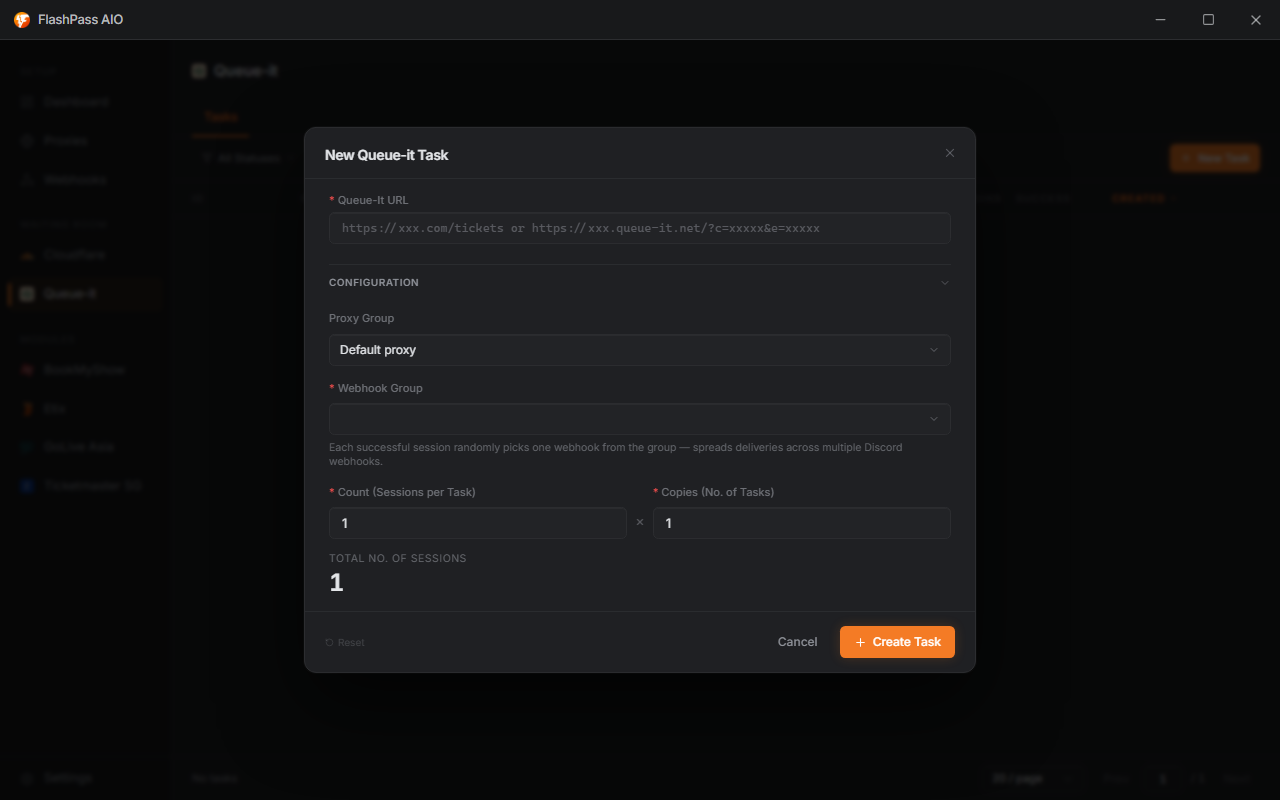
Queue-It URL (required)
Paste the link to the page that puts you in queue. This can be either:
- The retailer's own ticket/checkout page (FlashPass detects the Queue-It redirect automatically), or
- A direct Queue-It URL, e.g.
https://xxx.queue-it.net/?c=xxxxx&e=xxxxx
What if the URL changes per drop? Grab a fresh one from the retailer's page right before the task starts — Queue-It URLs are usually event-specific and expire.
Proxy Group
Which Proxy Group to draw from for queue sessions.
- Leave on Default proxy to fall back to the Default Proxy URL set in Settings → General.
- Any proxy type works (datacenter, ISP, residential) — test what holds up best against the specific retailer; residential tends to survive longer queue waits but isn't always necessary.
Webhook Group (required)
Which Webhook Group receives your pass-link delivery. Each successful session randomly picks one webhook from the group — this spreads deliveries across multiple Discord channels instead of flooding one.

Count (Sessions per Task) (required, 1–20000)
How many queue sessions a single task spins up. Each session is an independent attempt at passing the queue.
Copies (No. of Tasks) (required, 1–1000)
How many copies of this exact task config to create. FlashPass multiplies Count × Copies to show Total No. of Sessions live in the dialog — that's your real concurrency, not just one number.
Example: Count = 50, Copies = 4 → 200 total sessions running.
Running the task
Click Create — tasks join the list (statuses & managing). As sessions pass the queue, pass links land in your chosen Discord webhook.
Common issues
| Symptom | Cause / Fix |
|---|---|
| No webhook delivery despite "Finished" status | Webhook Group not selected, or Discord webhook URL invalid/deleted — recheck in Webhook Groups. |
| Captcha never solves | Missing/invalid Capsolver API Key in Settings → Captcha, or the OCR API URL is wrong for the image-puzzle type of challenge. |
| Sessions fail immediately | Queue-It URL expired or copied wrong — re-grab the link straight from the retailer's page right before running. |
| Queue takes far longer than expected | Proxy quality — try switching proxy type/group; heavily-flagged proxies queue slower or get bounced. |